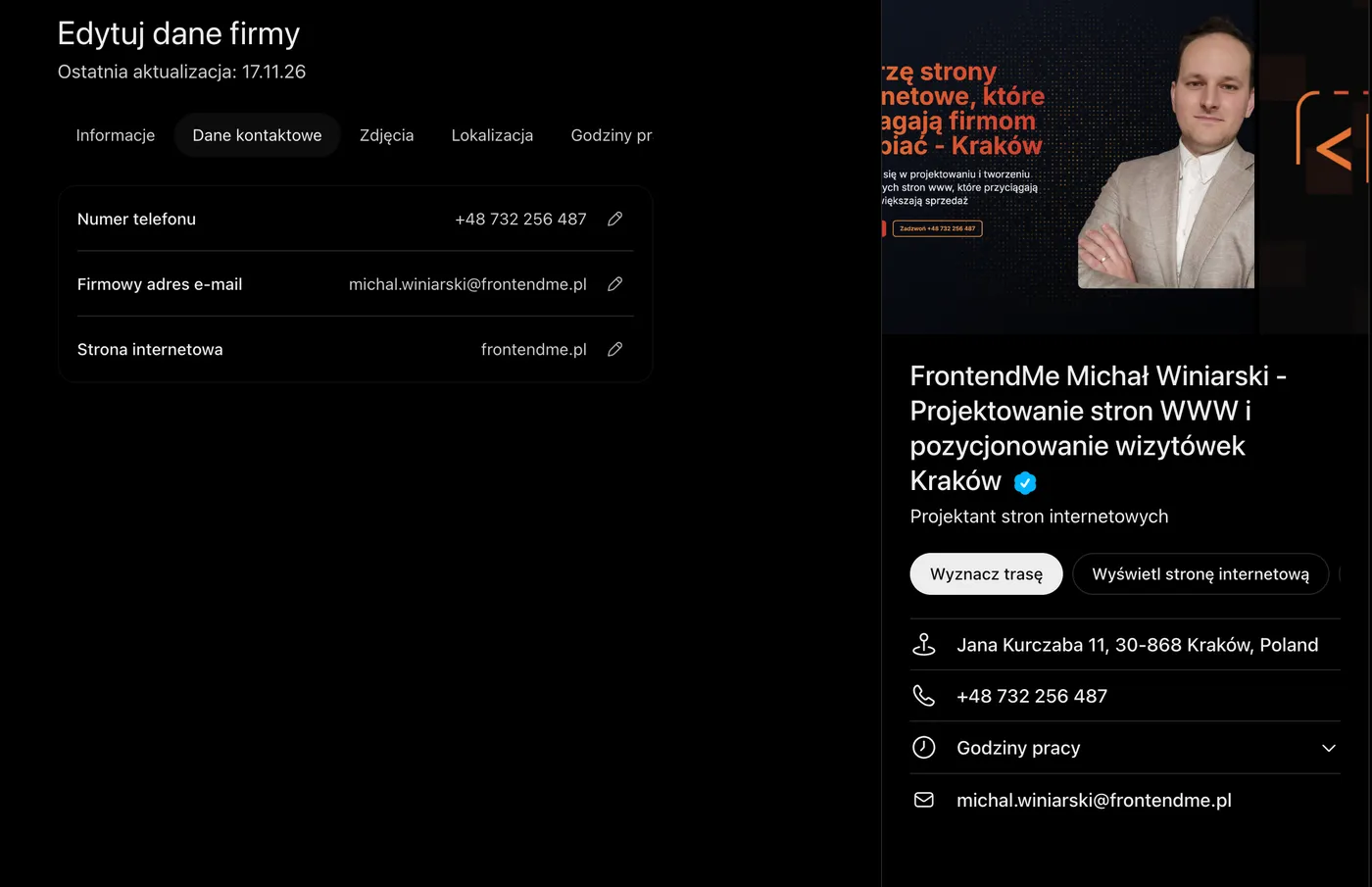
What is a business profile in ChatGPT?
It is a business listing that ChatGPT can show in a conversation. It has the name, category, address, phone number, email, opening hours and a photo, with “Directions” and “Website” buttons under the name. Once verified, a blue badge appears next to the name. It works much like a Google Business Profile, only inside ChatGPT.
Three names are easy to mix up, so here is briefly what is what.
- Businesses in ChatGPT is the official name of the feature. OpenAI announced it on 10 November 2026 as a beta.
- Business Hub is the dashboard where you manage the business profile. Besides the business details it has the Agent builder and Products tabs, described below.
- ChatGPT Business is something else entirely: a paid ChatGPT plan for teams inside a company. It has nothing to do with the business profile.
How do you add your business to ChatGPT and verify it?
I joined the waitlist on 13 November. The access email never came, so after four days I checked myself and could already claim the profile. Then there were three steps, which together took one evening.
Step 1. A TXT record in the domain settings
The dashboard let me choose between verification by phone and verification by domain. I chose the domain because it felt more reliable.
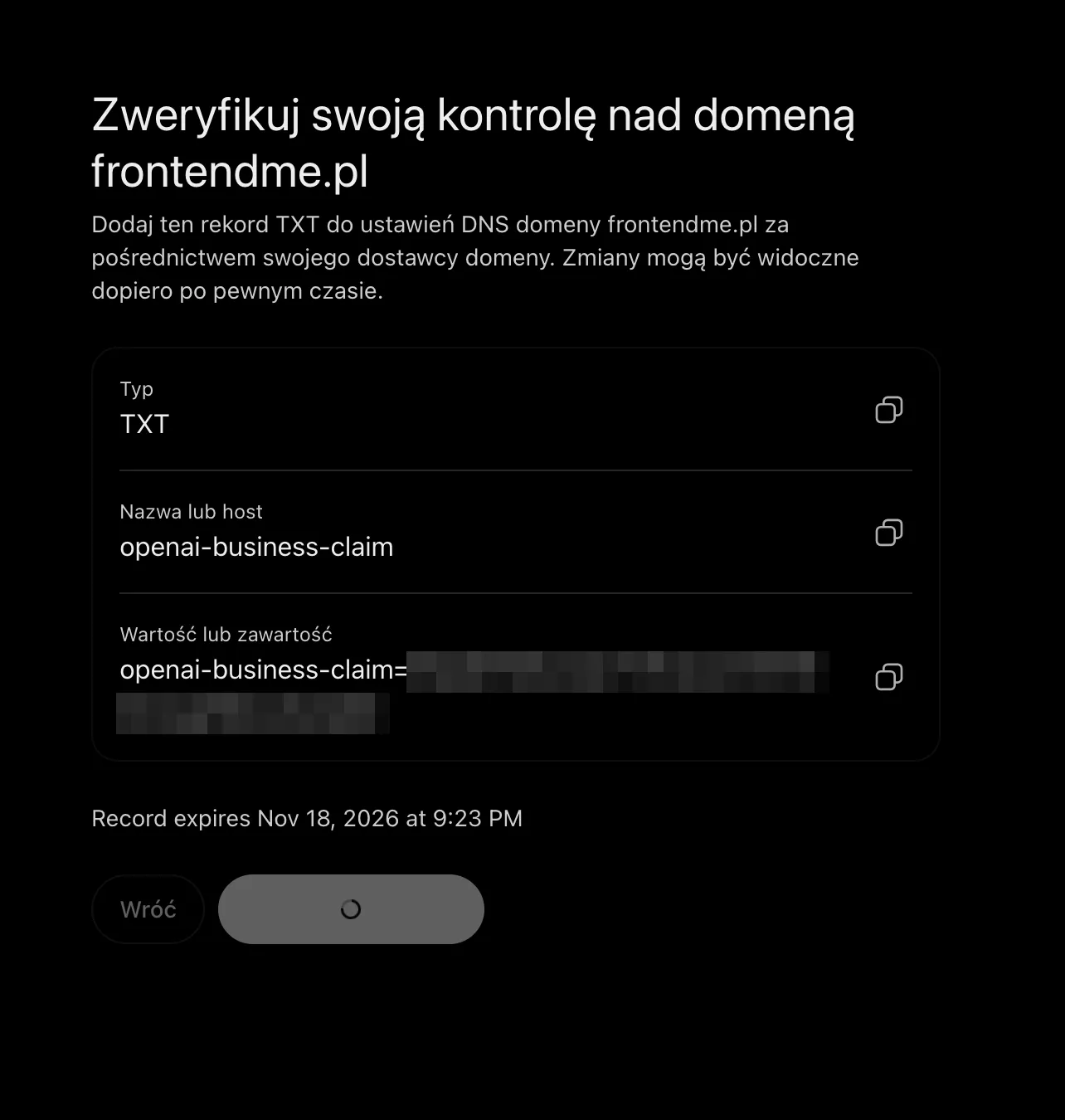
ChatGPT gives you a record to add to the domain’s DNS. The type is TXT, the host name is openai-business-claim, and the value is a string starting with openai-business-claim=.
You add the record in your DNS settings, in the same place as the domain’s other records. The DNS for frontendme.pl is on Vercel, so I added the new record there next to the existing ones. It was visible after a few minutes. Other TXT records, for example Google verification or SPF for email, stay as they are, because several TXT records can sit side by side.
According to the dashboard, the record is valid for 24 hours. It is best to add it straight away rather than leave it for the next day.
If you are not sure where to add the record, call +48 732 256 487 or get in touch. I will help you set it up.
Step 2. The request to claim the profile
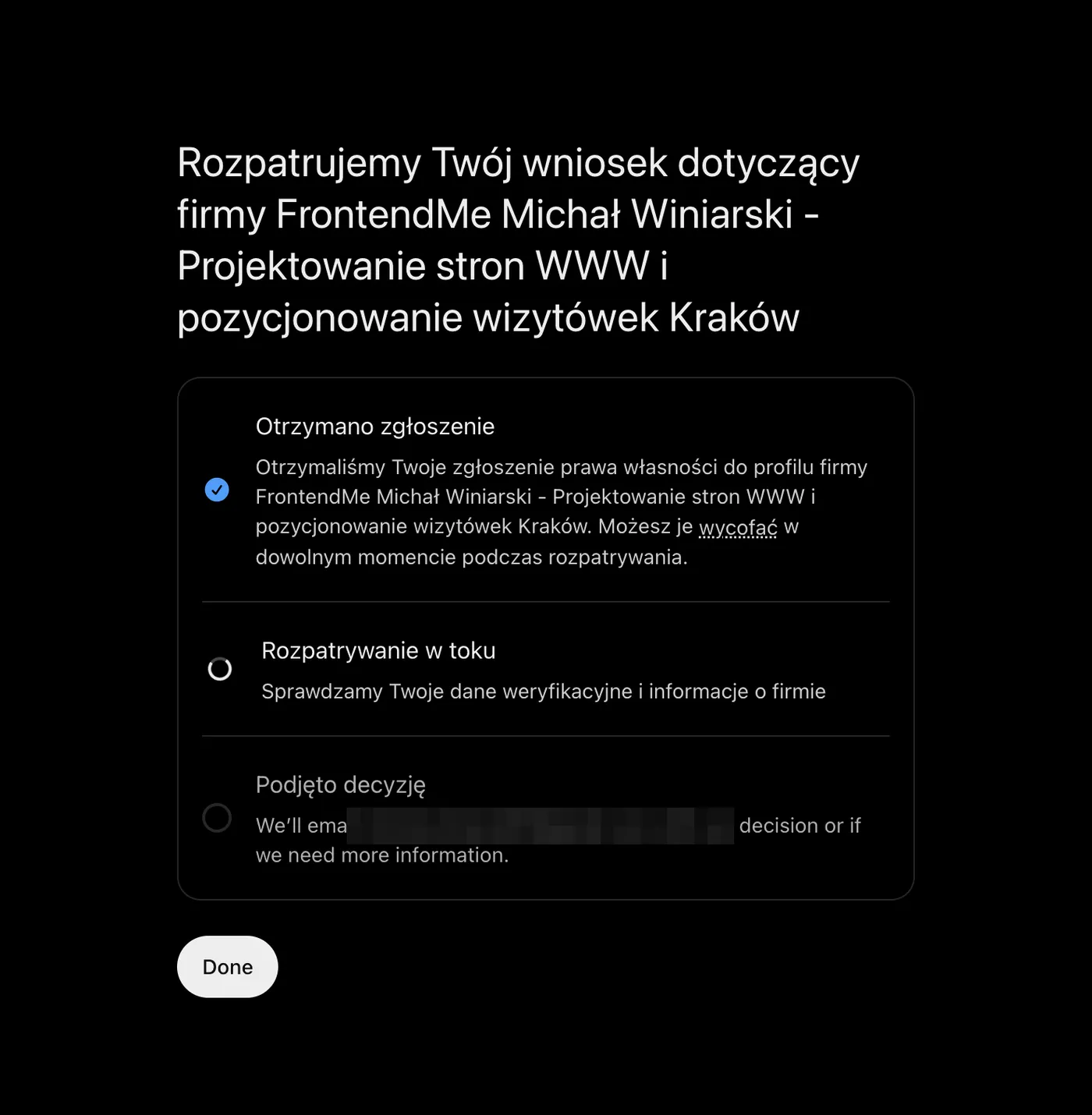
Once the domain is confirmed, the request goes to review. The dashboard shows three stages: request received, review in progress and decision made. OpenAI sends the decision by email.
Step 3. Proof of identity and a business document
Before you can change anything in the profile, you still have to pass verification with Persona. It is an external service that OpenAI uses. Without it, the dashboard shows a message that verification is required before you can edit the business information.
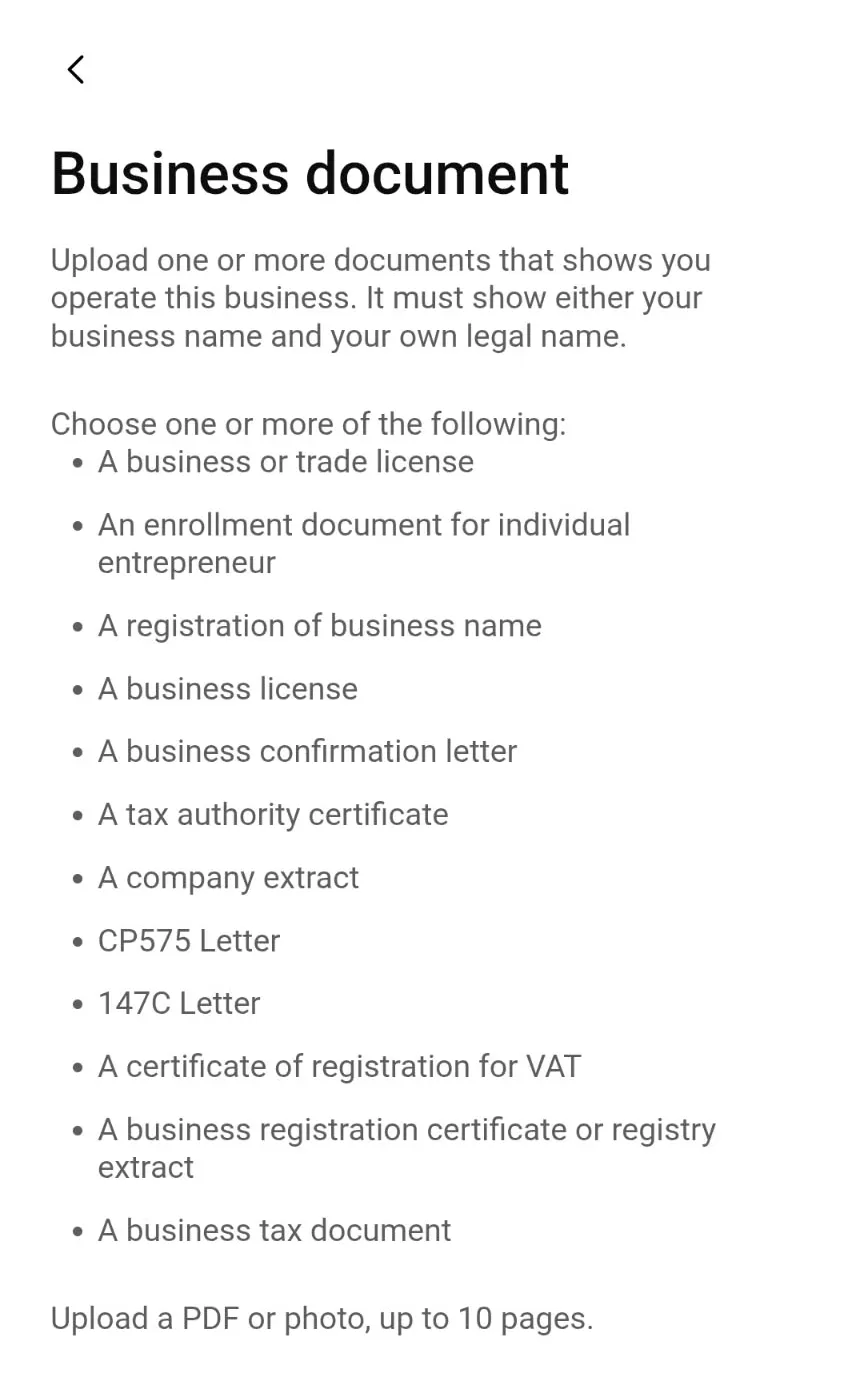
Persona asks for two things. The first is an ID card or another identity document. The second is a business document that shows the company name and the owner’s full name. The list of accepted documents is long and mostly American, but it also includes documents that are easy to get in Poland, such as a sole trader registration entry, an extract from a business register or a VAT registration confirmation.
I uploaded a printout of my CEIDG entry. You can download it without logging in at aplikacja.ceidg.gov.pl. Just search for the business by its tax number (NIP) and click “Pobierz PDF” (Download PDF). Verification went through the same evening.
What should you set up in the profile after verification?
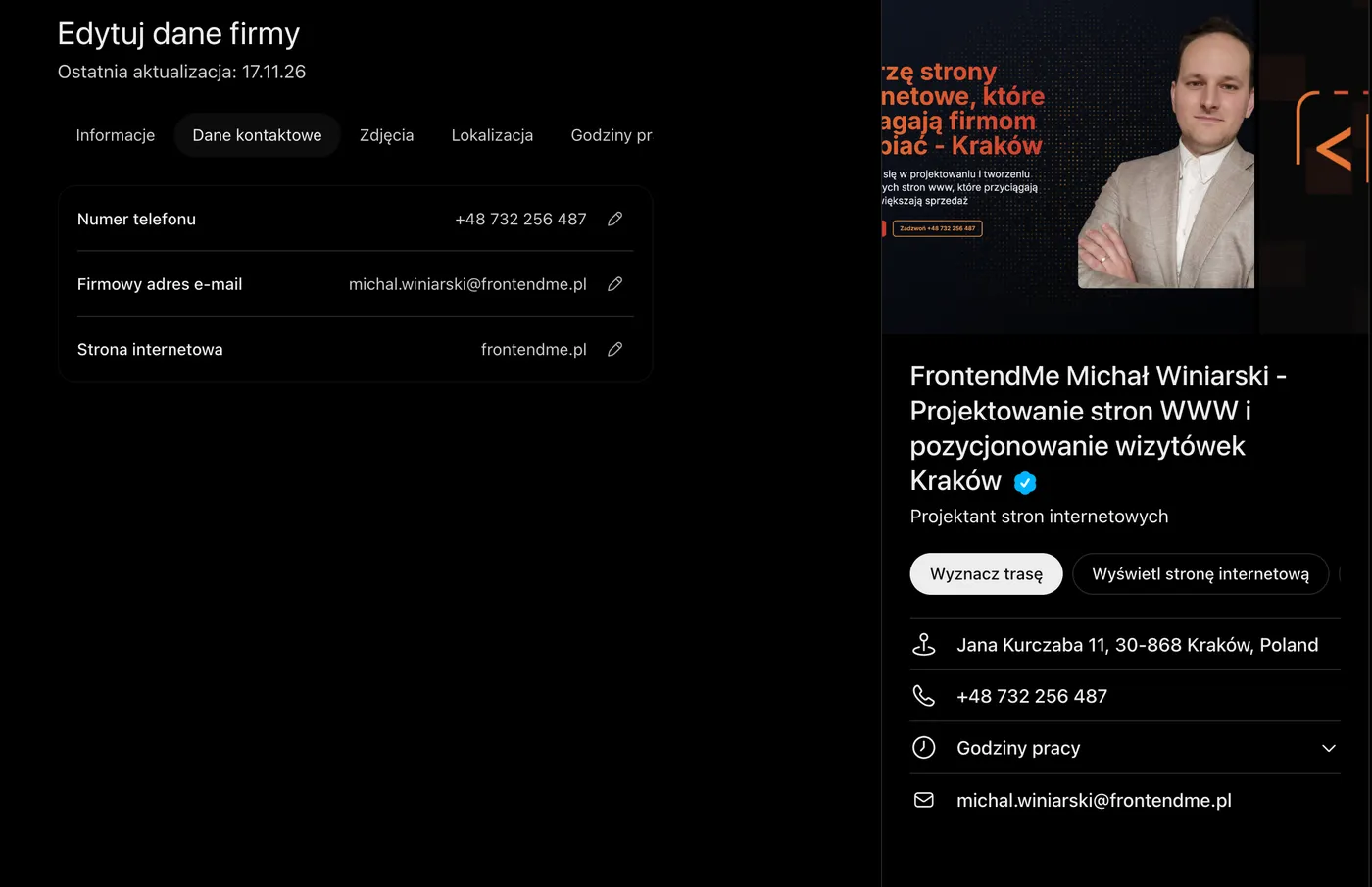
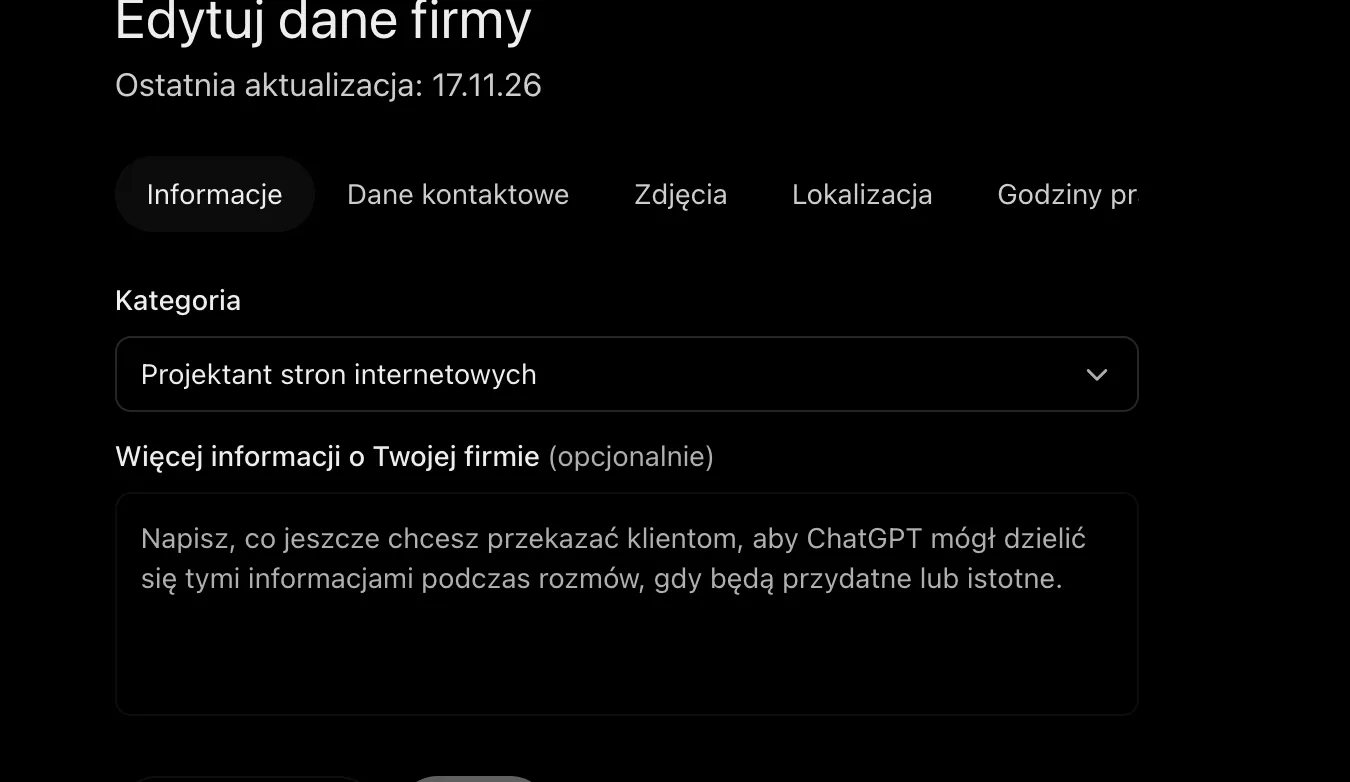
The dashboard has five tabs: Information, Contact details, Photos, Location and Opening hours.
In the Information tab you pick a category and write a description. I set the category to “Web designer”. The description field is called “More information about your business” and has a 300-character limit. My profile is in Polish, so I will only summarise it. It says that I design websites for small businesses, manage Google Business Profiles and do local SEO, set up business email and look after existing sites. It also mentions that I work on my own from Krakow, remotely too, and gives starting prices for my main services.
300 characters is not much, so I kept only what a customer needs to know at the start: what I do, where, and from what price. The website address is not in the description because it is already in the Contact details tab.
In the Contact details tab, it is best to enter the phone number, email and website address exactly as they appear in your Google Business Profile and on your website. Customers can come across your business in different places, and everywhere they should see the same number, written the same way.
Which business name should you enter in ChatGPT?
The one in the official register. My business name in the profile has extra phrases added (“Website design and Google Business Profile optimisation Krakow”), and the CEIDG entry does not. Verification went through, but I would not count on that for every business, because the document is compared with the profile. Keywords added to the name are a bad idea in a Google Business Profile too. I will shorten mine to the wording from CEIDG.
What else is in Business Hub besides the profile?
Products
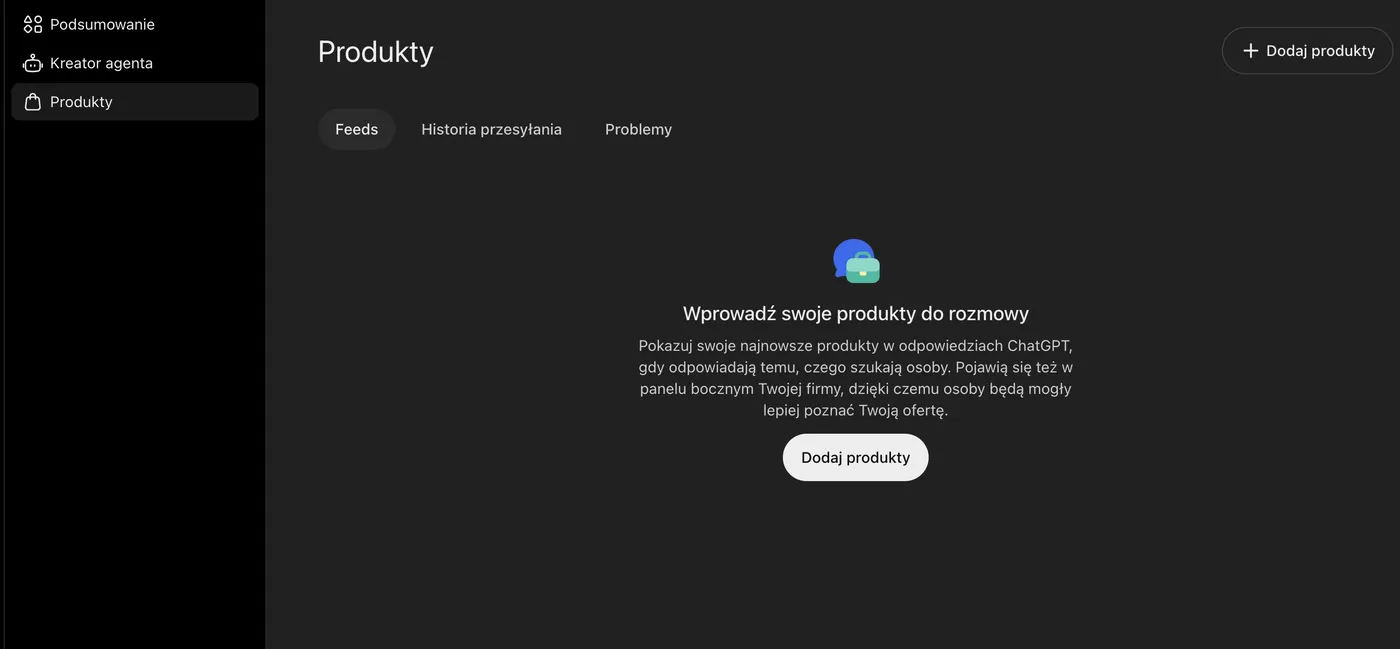
The Products tab works. The dashboard describes it as “Show your latest products in ChatGPT answers when they match what people are looking for. They will also appear in your business’s side panel”. Products are added through a file (a feed), and the other tabs show upload history and a list of issues.
I have not checked yet whether services can be added there in a sensible way, for example a business website at a fixed price. That is the next test.
Agent builder
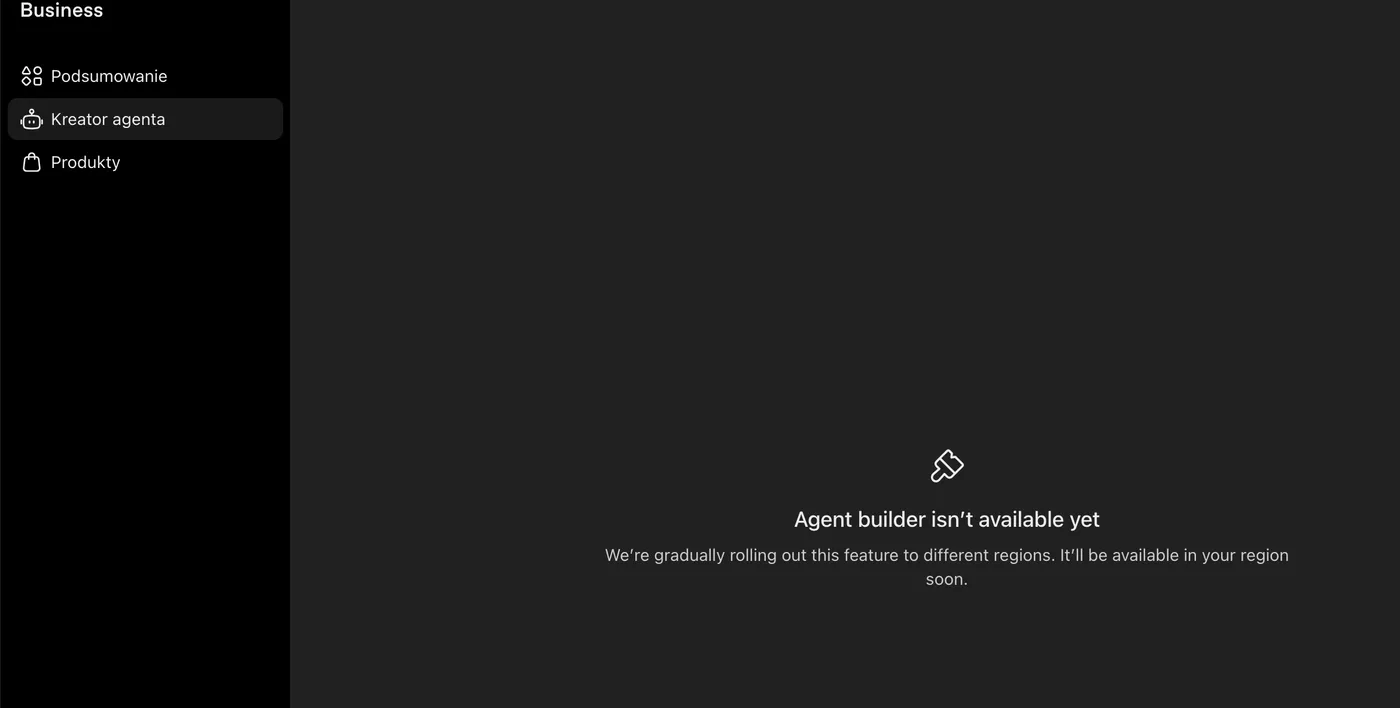
The Agent builder shows a message that the feature is not yet available in this region and will be rolled out gradually. The agent is meant to be a separate chat on the business profile where customers ask about the offer. For now it cannot be created in Poland.
How is a ChatGPT profile different from a Google Business Profile?
| Business profile in ChatGPT | Google Business Profile | |
|---|---|---|
| Where it appears | in ChatGPT conversations | in Google Maps and Google Search |
| Verification | phone or a TXT record on the domain, plus ID and a business document | usually a code or a video recording |
| Business description | up to 300 characters | up to 750 characters |
| Customer reviews | the dashboard has no place for reviews | yes, one of the main reasons customers read it |
| Products | yes, via a file | yes, added manually in the dashboard |
| Available since | beta since 10 November 2026 | for years |
If you only have time for one, start with your Google Business Profile. That is where most customers of local businesses search today. Setting up a ChatGPT profile takes one evening, so it is worth adding once your Google profile is in good shape.
Does a ChatGPT profile do anything for a business?
What we know today is that the details and description in ChatGPT come from the owner, and the profile carries a verification badge. I do not know yet whether ChatGPT will recommend my business more often because of it, and I am not going to promise that. After a month I will check what ChatGPT answers to questions about websites in Krakow and add the result here.
You can check your own business right now. Ask ChatGPT about it by name, then about your service in your city. You will see whether it knows the business at all and where it gets its information.
If you would like to sort out your Google Business Profile first, start with the free Google Business Profile audit. If you would rather hand it over, see how I handle Google Business Profile optimisation.